
Recycle Computer Parts: A Complete Guide
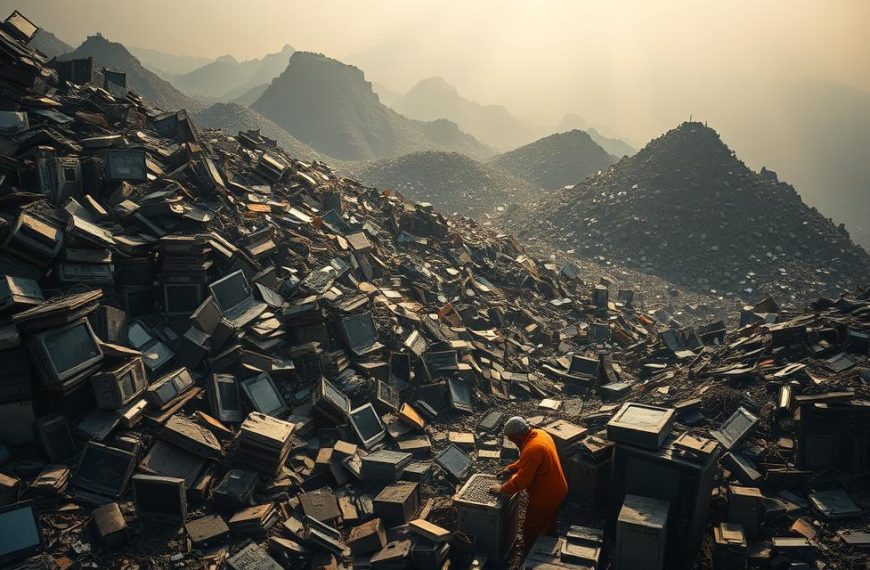
Old computer parts belong in a reuse or electronics-recycling route, not an ordinary trash bin. E-waste is discarded or unwanted electronic equipment and parts that may be reused, refurbished or processed to recover materials. Working equipment may serve another user, while other parts can yield materials instead of going to landfills.
The United Nations’ Global E-waste Monitor reported 62 million tonnes of e-waste worldwide in 2022, up 82% from 2010. Just 22.3% of that mass was documented as properly collected and recycled. Global e-waste generation was projected to reach 82 million tonnes in 2030, a 32% rise from 2022. This guide helps you choose a drop-off, pickup or reuse route.
Key Takeaways
- Separate working equipment from broken parts.
- Check local acceptance rules before traveling.
- Protect personal data before handoff.
- Consider repair, donation or refurbishment for working devices.
- Use an electronics recycler for unusable equipment.
Start by separating working parts from broken equipment so each can take the most useful next step.
How to Recycle Computer Parts Responsibly
Best Buy is a convenient option for eligible household electronics, while oversized devices and business equipment may need another route. Nearby computer-parts recycling options include municipal e-waste sites, retailer take-back points and private electronics recyclers. Confirm accepted items and fees before traveling.
Best Buy accepts products from any retailer, but its program is for residents, not business or organization equipment. It excludes recalled products and items that pose health or safety hazards. Daily limits and state restrictions can affect whether a TV or monitor is accepted.
Check category, size and state rules before bringing a TV or monitor to a store.

Best Buy In-Store Recycling
U.S. Best Buy stores, including Puerto Rico locations, accept eligible electronics; Outlet stores do not. The daily limit of ten qualified items per household includes up to five laptops, two TVs or computer monitors, and three other qualified items. Connecticut and Pennsylvania stores do not accept TVs or monitors.
Flat-panel TVs and monitors up to 50 inches and CRT TVs up to 31 inches qualify for the reported fee. Most TVs and monitors cost $29.99 to recycle in store. Insignia and Dynex flat-panel models up to 50 inches are free, as are TV drop-offs in California, Connecticut and Hawaii. Best Buy accepts up to two TVs or monitors per household daily, including CRT and flat-panel models, where state rules allow.
Municipal Drop-Off and Community Programs
City and county recycling departments may run permanent e-waste sites or scheduled collection events. Some programs accept computers, monitors and accessories; others set limits by item type or household. Check the event details for eligible equipment, hours, registration and possible charges.
Local electronic recycling programs can be a practical choice when you want to recycle computer parts near you. Search municipal waste department listings, community event calendars and electronics recyclers in your area. Call ahead if a device is unusual or damaged.
Pickup, Mail-In and Haul-Away Options
Private recycling services may offer pickup, mail-in kits or scheduled collection. Their accepted products, service area, packaging rules and charges differ, so read the terms before sending equipment. A recycler may buy equipment with residual value; other loads may carry a processing fee.
Best Buy does not accept large appliances in stores. Its haul-away service costs $49.99 with replacement delivery, or $199.99 for standalone pickup of up to two large products plus select smaller items. Service exclusions apply. The mail-in program also has exclusions and terms, so confirm that your products qualify.
| Route | What it handles | Key limit | Condition or known charge |
|---|---|---|---|
| Best Buy in-store | Eligible computer parts and electronics | Up to ten items per household daily, with category limits | Resident and state restrictions apply |
| Best Buy haul-away | Up to two large products plus select smaller items | Two large products per standalone pickup | $49.99 with replacement delivery; $199.99 standalone; exclusions apply |
| Philadelphia sanitation convenience center | Computers, monitors and TVs | Household drop-off frequency limits | Proof of residency and vehicle-weight rule apply |
Compare the route with the equipment you have, not just the nearest address. Check the item category, size and state rules before loading a TV or monitor for drop-off.
Which Computer Parts Can Be Reused or Recycled?
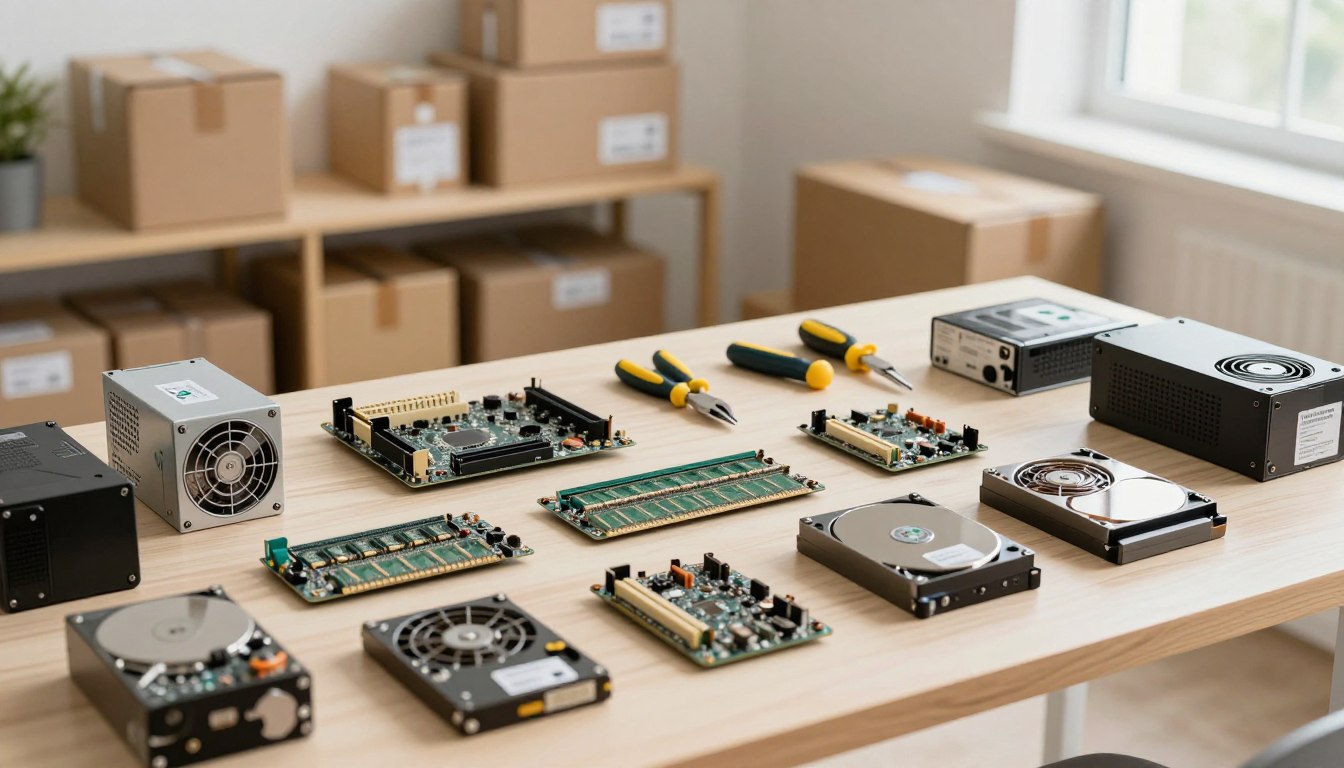
A computer can contain reusable boards and memory even when its case or other components no longer work. Working keyboards, CPUs, IC chips, motherboards, memory, drives, graphics cards and sound cards may be inspected for reuse, refurbishment or resale. No individual part is guaranteed to have resale value.

Working Parts May Be Reused
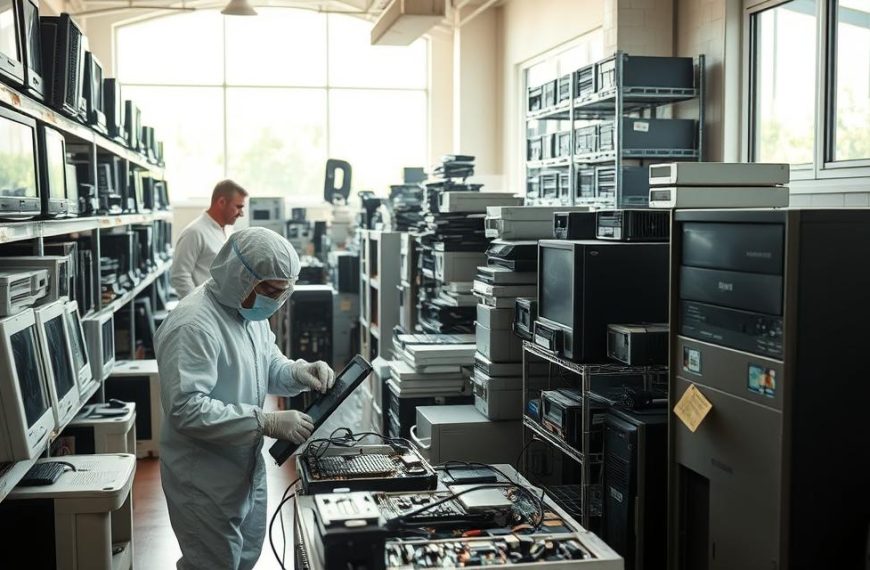
A recycler checks condition and function before deciding whether a component can be reused. Some equipment may be refurbished for another user; parts that fail inspection can still enter material recovery. That choice depends on the condition of the part and whether it can be safely handled.
Examples of components that may be reusable include:
- Memory
- Motherboards
- Power supplies
- Graphics cards
- Keyboards
Older machines can still contain useful parts, but age alone does not show whether a component works. Inspection matters more than a familiar brand or the device’s appearance.
How Recyclers Separate Components
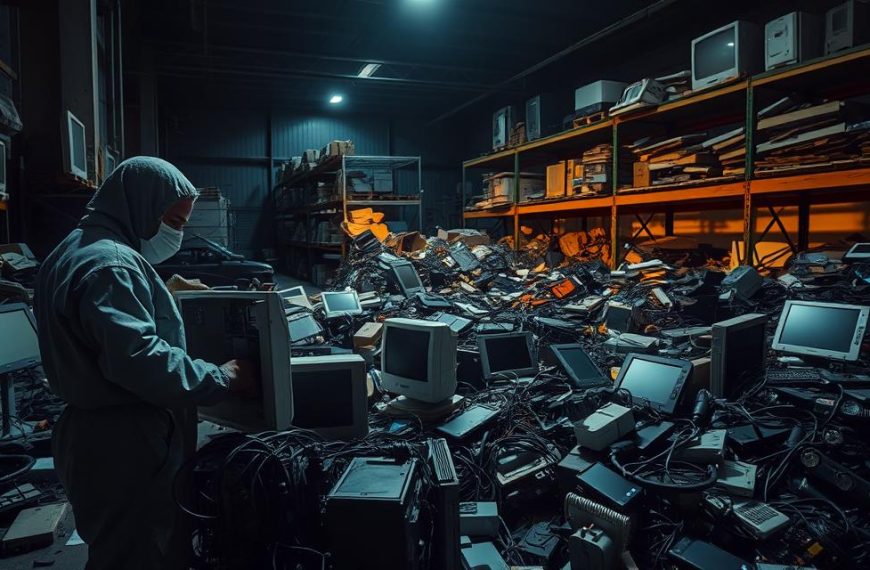
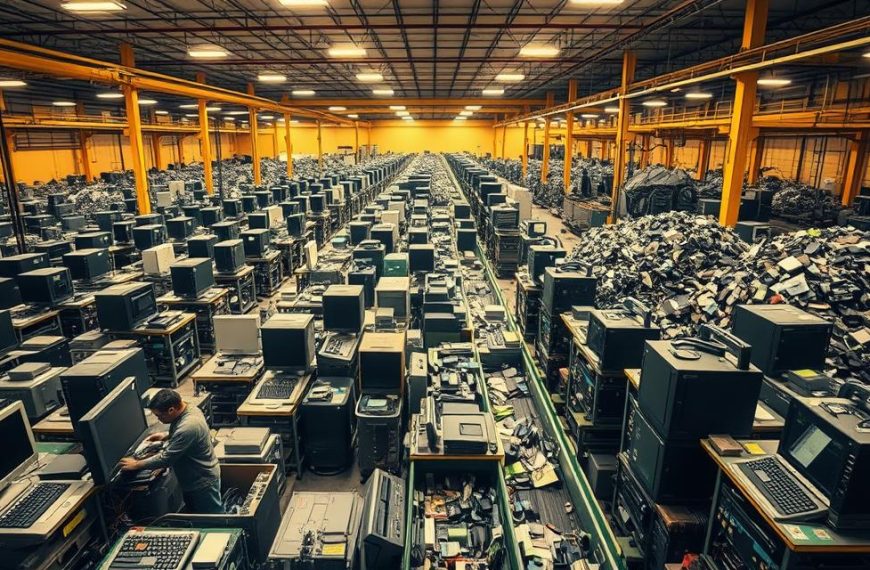
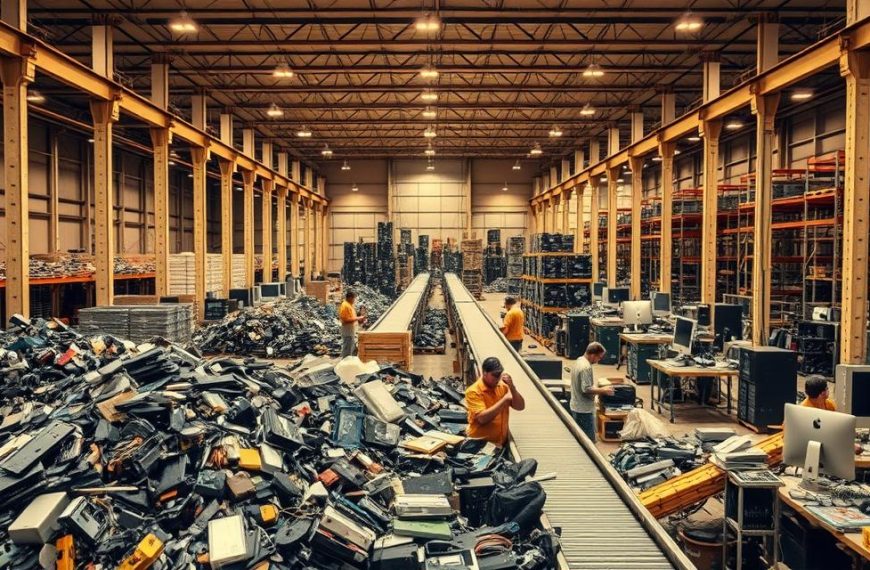
In demanufacturing, workers dismantle equipment and sort it into material categories. Working parts may be routed for reuse or refurbishment. Nonfunctional boards, batteries and plastics go to specialized downstream processors for further handling.
Safe sorting matters because computer equipment can contain hazardous substances. CRT monitor glass contains lead, with about 4-6 pounds in each unit. Flat screens contain small quantities of mercury. Circuit boards may contain chromium, cadmium, lead and mercury; batteries may contain lead, mercury, nickel and cadmium.
Those materials should not be treated like ordinary household trash. A damaged battery or screen also needs careful handling, so leave dismantling to trained staff rather than breaking parts apart at home.
Why Material Recovery Matters
E-waste generated in 2022 contained 31 million tonnes of metals, 17 million tonnes of plastics and 14 million tonnes of other materials. The metals were estimated to be worth US$91 billion, including US$19 billion in copper, US$15 billion in gold and US$16 billion in iron.
Documented recycling reclaimed US$28 billion in secondary raw materials, mostly iron. Formal e-waste management also avoided 93 million tonnes of CO2-equivalent emissions: 41 million tonnes from recaptured refrigerants and 52 million tonnes from avoided metals mining.
Collection does not mean every device is fully recycled. In 2022, documented collection and recycling rates reached 42.8% in Europe but remained below 1% in African countries. In the Americas, the average was 14.1 kilograms of e-waste generated per person, with 4.2 kilograms per person documented as collected and recycled.
If a device still functions, check repair or donation options before sending it for material recovery.
How Do You Protect Data Before Recycling a Computer?
Back up the files you need, then verify that every storage device has been erased or removed before handoff. Deleting visible files is not the same as verified data sanitization. Use the device maker’s secure erase or reset instructions, then check that the storage has been cleared.
Back Up and Erase Personal Data
Save important files to a separate drive or trusted storage account before erasing the computer. Sign out of email, cloud storage and other accounts, and remove device locks. Follow the manufacturer’s instructions for a secure erase or factory reset, then verify the result.
A quick file deletion may leave recoverable information behind. If you cannot confirm that sensitive information is inaccessible, do not hand over the storage device yet. A professional data-destruction service can provide another option for drives you no longer need.
Remove or Retain the Storage Drive
Removing a hard drive does not erase it. If you keep the drive, store it securely or arrange appropriate destruction. Check for more than one storage device, including an SSD or built-in storage, before recycling the computer.
Best Buy accepts hard drives and products that contain them for recycling, but you should not assume the recycler wipes every customer’s drive. Customers may erase data themselves or ask a Geek Squad Agent about services to remove a computer’s hard drive before recycling.
Prepare the Device for Handoff
Use this checklist to prepare a computer and its accessories:
- Back up files you want to keep.
- Sign out of accounts and remove device locks.
- Erase storage using the manufacturer’s guidance.
- Remove and secure a drive only if appropriate.
- Keep personal data off accessories or storage cards.
Check memory cards and removable storage separately. Small cards can hold photos, documents or account information even after the computer itself is cleared.
Do not open a CRT monitor to reach internal parts. Its capacitor can retain a dangerous electrical charge, even after the monitor is unplugged. Leave the device intact for a qualified electronics recycler.
If you cannot confirm that sensitive data is inaccessible, keep the drive or use a professional data-destruction service.
Where Can You Drop Off E-Waste Locally?
For Philadelphia residents, city sanitation convenience centers are a local drop-off option for computers, monitors and televisions. Proof of city residency is required, and the vehicle’s total weight must be less than 6,000 pounds. Commercial loads and commercial contractors’ vehicles are not accepted.
Philadelphia’s sanitation convenience centers require proof of residency and a vehicle under 6,000 pounds total weight.
Philadelphia residents may drop off regular household items once a day and oversized items once a week. The city center vehicle-weight rule applies to the total vehicle weight, not just the electronics being carried.
Outside Philadelphia, e-waste recycling near you may be available through municipal waste or recycling departments, community collection events and local electronics recyclers. These services do not all accept the same equipment. Confirm accepted items, hours, appointment rules and any fees before traveling.
Philadelphia sanitation convenience centers are a public disposal option for household electronics, but businesses, schools and organizations should not assume their equipment qualifies. Contact a commercial electronics recycler about business loads and service arrangements instead.
A local recycler may offer drop-off or pickup, while a community event may accept only a set list of electronics. Make a quick call if you plan to bring several devices or a large monitor.
Confirm residency proof, vehicle weight and current center requirements before making the trip.
Conclusion
The best route is the one that protects your data and gives usable equipment or materials another purpose. Working devices may be candidates for repair or donation; unusable parts belong with a suitable electronics recycler. Handle personal information before the handoff, since recycling services do not all erase customer storage.
Start with the device type and whether it still works. Then contact a local recycler or drop-off center and ask whether it accepts that equipment. Confirm acceptance before you arrange a trip or pickup. Make a short inventory of the parts you have, then confirm a local service’s acceptance rules before arranging drop-off or pickup.
FAQ
Is it worth recycling old computers?
Yes, recycling old computers is worthwhile because working parts may be reused and other materials can be recovered. It also keeps hazardous components out of ordinary waste streams. A computer does not need to work as a whole for its memory, boards or other components to have a possible next use. If the device still runs, consider repair or donation first.
How can I safely dispose of my old computer?
Back up your files, erase or remove its storage, then use an electronics recycler or public e-waste drop-off. Check that the service accepts your computer type before taking it there. Keep any drive you remove in a secure place or arrange proper destruction. Do not open a CRT monitor, because its capacitor can hold a dangerous electrical charge.
Is it safe to throw away a computer after removing the hard drive?
No, removing one hard drive does not erase that drive or prove that all storage is gone. A computer may also have an SSD, another drive or built-in storage. Keep a removed drive secure or arrange appropriate destruction. Send the remaining equipment through an electronics-recycling route, and check local disposal rules rather than placing it in ordinary trash.
How to get rid of old computers for free?
Eligible computer items may be accepted free through retailer take-back programs or public e-waste collections. Free acceptance depends on the item and program rules, and screens may carry fees or size limits. Check the accepted categories, daily limits and state restrictions before loading equipment. Community events can also have set collection dates or item restrictions.
Does Best Buy wipe hard drives before recycling?
Do not assume Best Buy wipes every hard drive before recycling. Customers may erase their own data or ask a Geek Squad Agent about services to remove a computer’s hard drive. Back up important files and use the manufacturer’s secure erase instructions if you plan to leave the drive with the device. Verify the storage is cleared before handoff.
Can I throw an old PC in the garbage?
Use an electronics-recycling route instead of putting an old PC in ordinary garbage. Computers can contain materials that need careful handling, and local disposal rules vary. Municipal e-waste sites, community collection events and electronics recyclers are common options. Check whether the program accepts your specific equipment, especially if the PC is damaged or includes accessories.
How do I wipe my old computer before recycling?
Follow the computer manufacturer’s secure erase or reset instructions, then verify that the storage device is cleared. Back up files you need and sign out of accounts before erasing. Deleting files from the desktop or emptying the recycle bin does not necessarily make information inaccessible. Check for additional drives, SSDs or removable cards before sending the computer away.
What should I do with a 10 year old laptop?
If the laptop still works, consider repair, donation or reuse before recycling it. If it no longer works, back up needed files, erase its storage and take it to an electronics recycler or public e-waste drop-off. Age alone does not show whether its components can be reused. Check the local program’s laptop acceptance rules before traveling.

 By
By